
Every app at its own volume.
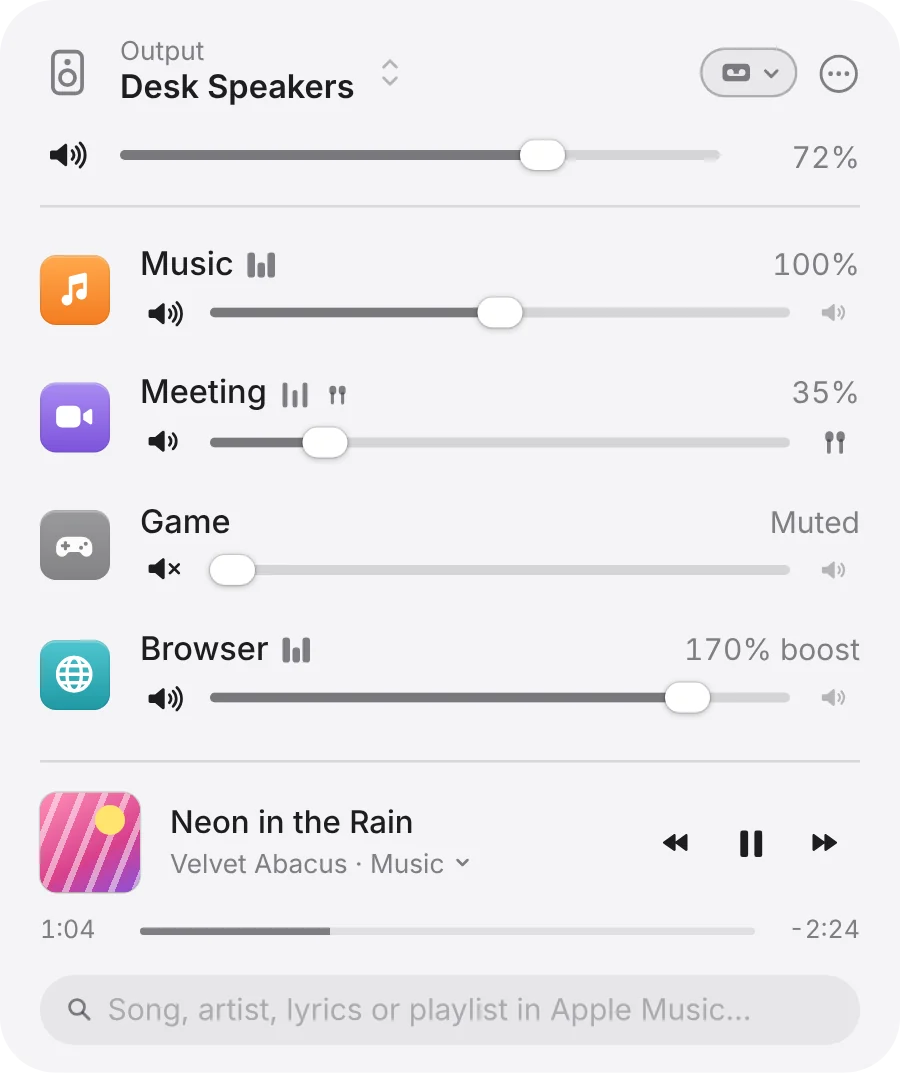
macOS gives you one volume for everything. DeskBop adds a slider for each app that’s making sound, right in the menu bar.
Turn the meeting down.
Keep the call quiet and the music up, or the other way round.
Mute the game.
Drag its slider to the bottom, or click its speaker. Unmuting brings back the level it had.
Boost what’s too quiet.
Up to 200%, with a limiter so it doesn’t distort. Off until you turn it on in Settings.
Hear one app alone.
Option-click an app’s icon. The others glide to silence, and Hear All brings them back. Your saved mix doesn’t change.
No driver. No kernel extension.
DeskBop uses macOS’s own audio taps, with no virtual audio device. An app is only tapped while you’ve changed it.
Send each app where you want it.
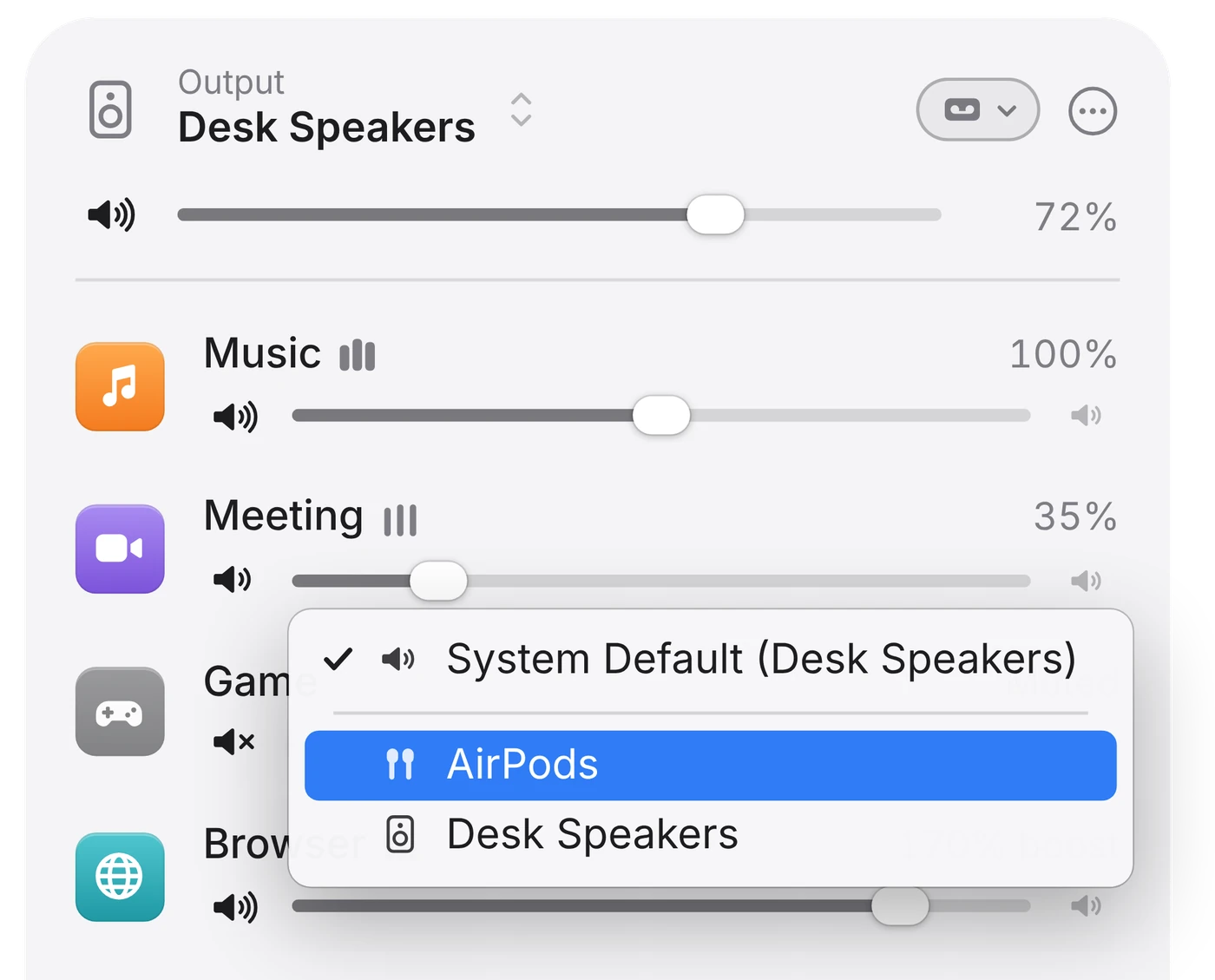
The call in your AirPods. The music on your speakers.
An output for each app.
Every row has a speaker menu. Switching is a crossfade, and if a device disappears the app falls back to the system default.
A mix for each output.
AirPods, speakers and displays each remember their own app volumes.
Switch outputs from the menu bar.
Speakers, USB, displays and Bluetooth, without opening System Settings.
Save the mix. Press play.
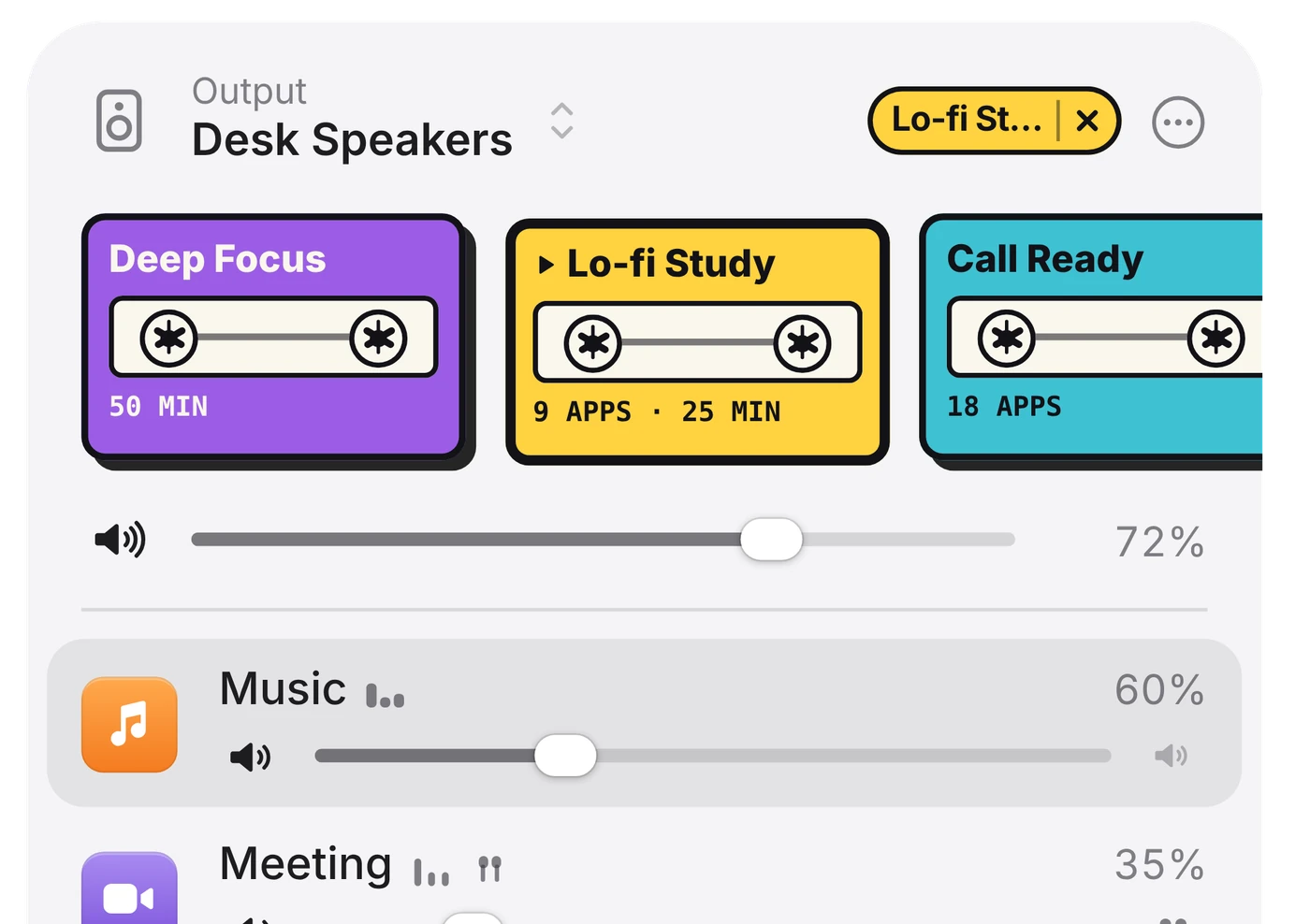
A Vibe Tape keeps a mix as a cassette: levels, mutes and outputs and, if you like, a focus session, Buddy’s look and a song or playlist. Play it over your mix. Eject, and your own mix comes back.
Three tapes come with the app.
Deep Focus is a 50-minute focus session. Lo-fi Study sets music to 60% with a 25-minute focus. Call Ready puts music and video at 30%.
Just tell it.
Type what you want in one line. Each part lights up as a pill while you type, so you see what will happen before you press Return.
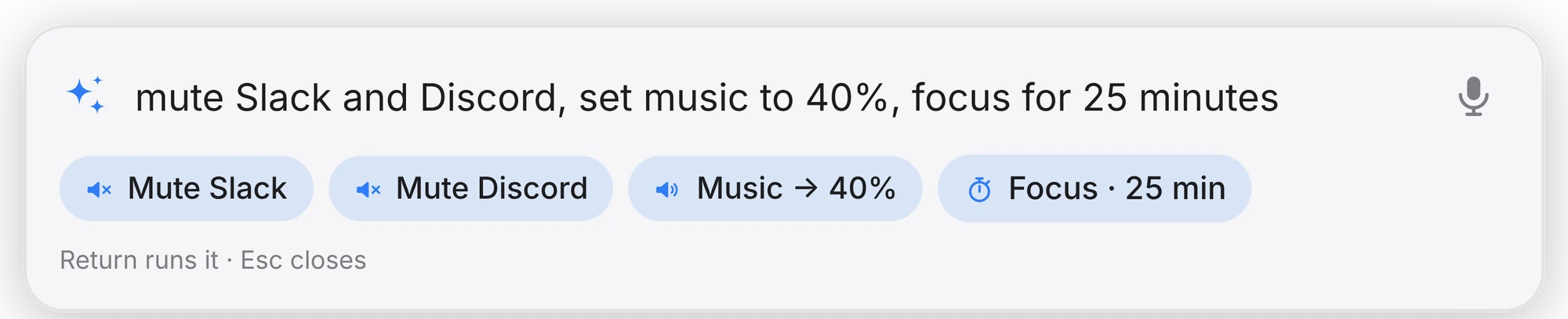

One Return runs all of it.
And Undo, or ⌘Z, puts the mix back.
Understood on your Mac.
The Command Bar follows rules on your Mac. There’s no AI model, and nothing is sent.
⌥Space opens it.
So does the sparkles button, or an Option-click on Buddy. You can change the shortcut, and speak instead of typing: push-to-talk is recognised on your Mac too.
Spotify or Apple Music, one click away.
Play, pause, skip and scrub from the mini-player at the bottom of the panel. It follows Spotify, Apple Music, or other apps through the media keys.
A line of the lyrics.
Playing Neon in the Rain by Velvet Abacus
Type a title, an artist, or the lyric stuck in your head. Songs in your library play in the background; anything else opens in Music, one click from playing.
Play by link.
Playing the album
Paste a song, playlist or album link and it plays.
A playlist, by name.
Playing Late Night
Give a playlist a name the first time you paste its link. After that, the name is enough.
Your Liked Songs.
Playing Liked Songs
Once DeskBop has your profile link. Your daylist and the DJ play by name too.
Queue it.
Added to Up Next
Up Next is DeskBop’s own queue. It plays when the current song ends.
No sign-in.
DeskBop doesn’t sign in to Spotify or Apple Music. It controls the Spotify and Music apps already on your Mac, after macOS asks your permission.
It hears the beat.
It knows the genre.
Buddy listens to what your Mac is playing and picks a dance to match. While a song plays, he wears the colour of its album cover.
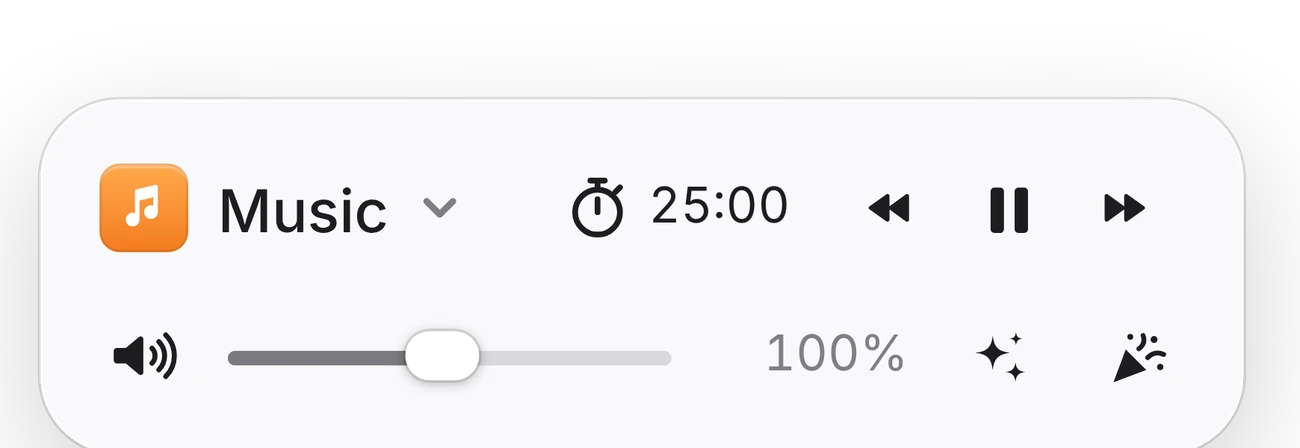
Buddy is off until you turn him on. Hover over him for a tray of controls, click him to play or pause, and scroll over him to change the volume. He never takes focus from the app you’re in.
Sways
Indie, R&B, jazz, soul, folk, classical
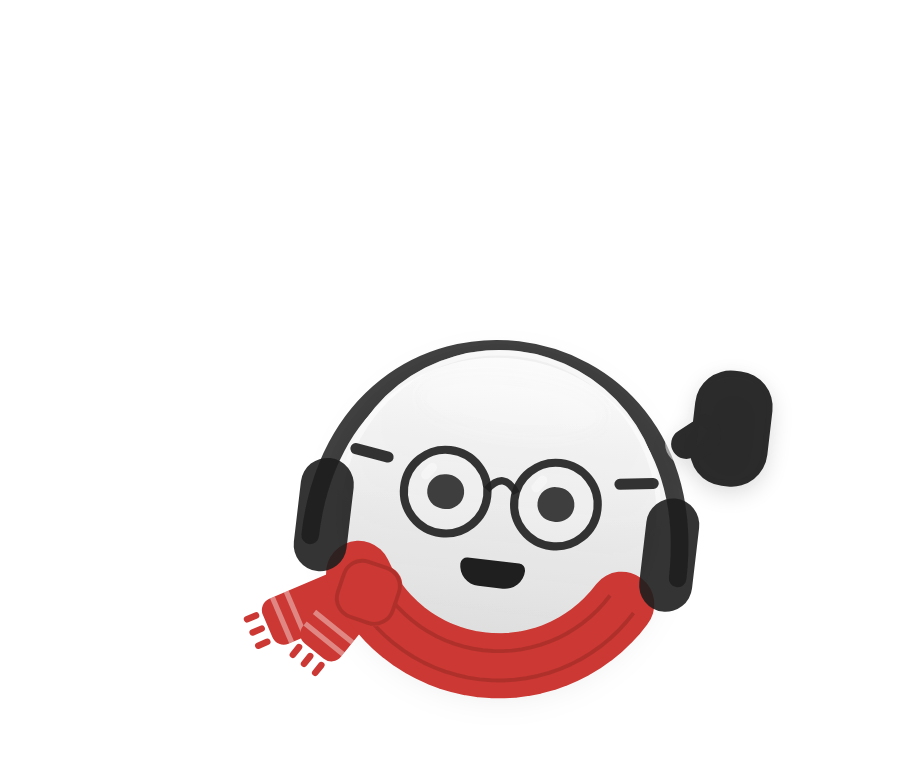
Bops
Pop, house, dance, electronic
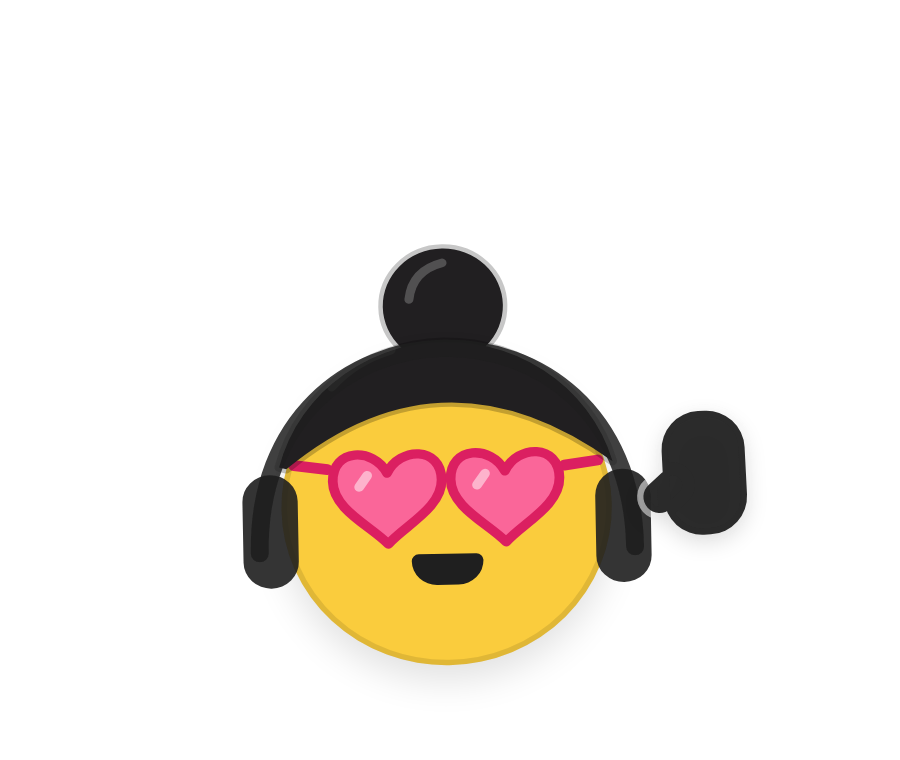
Headbangs
Rock, hip-hop, metal
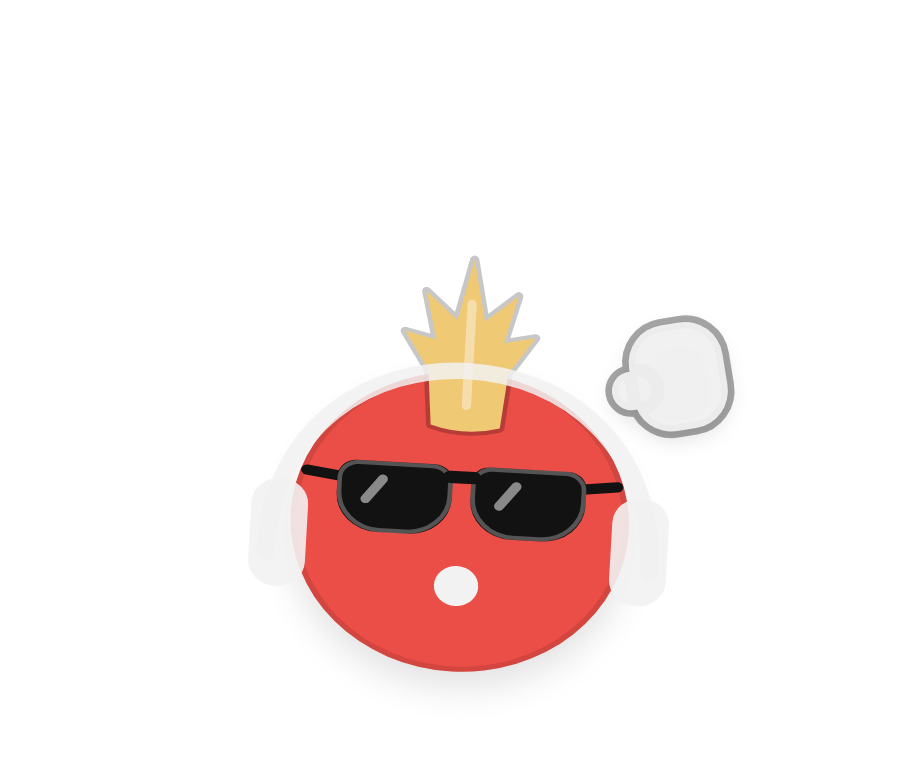
It notices.
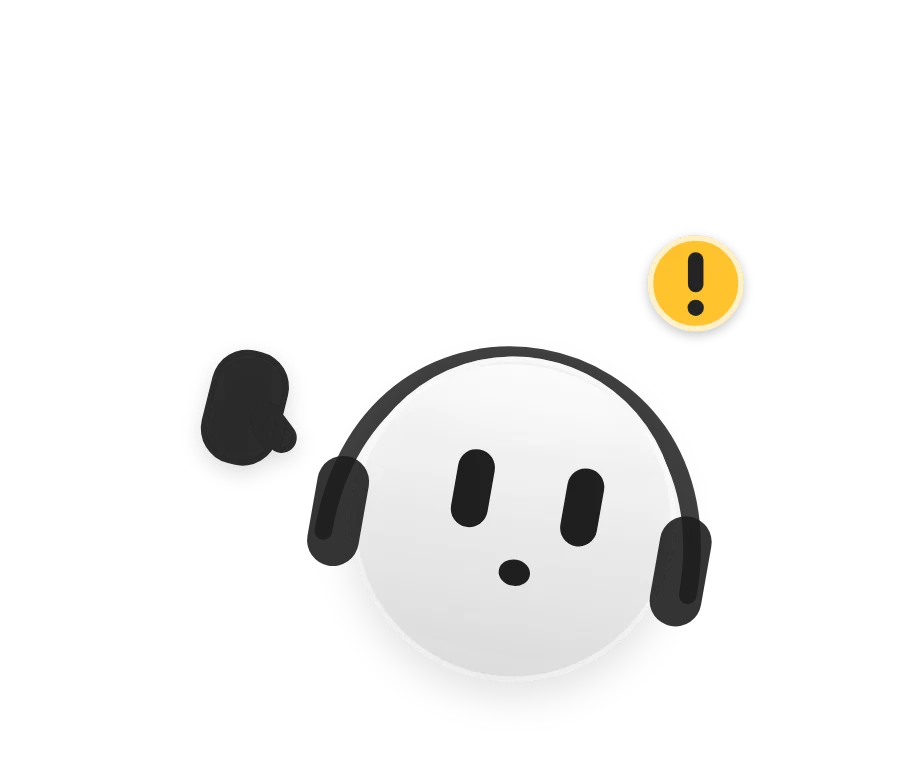
Pinged.
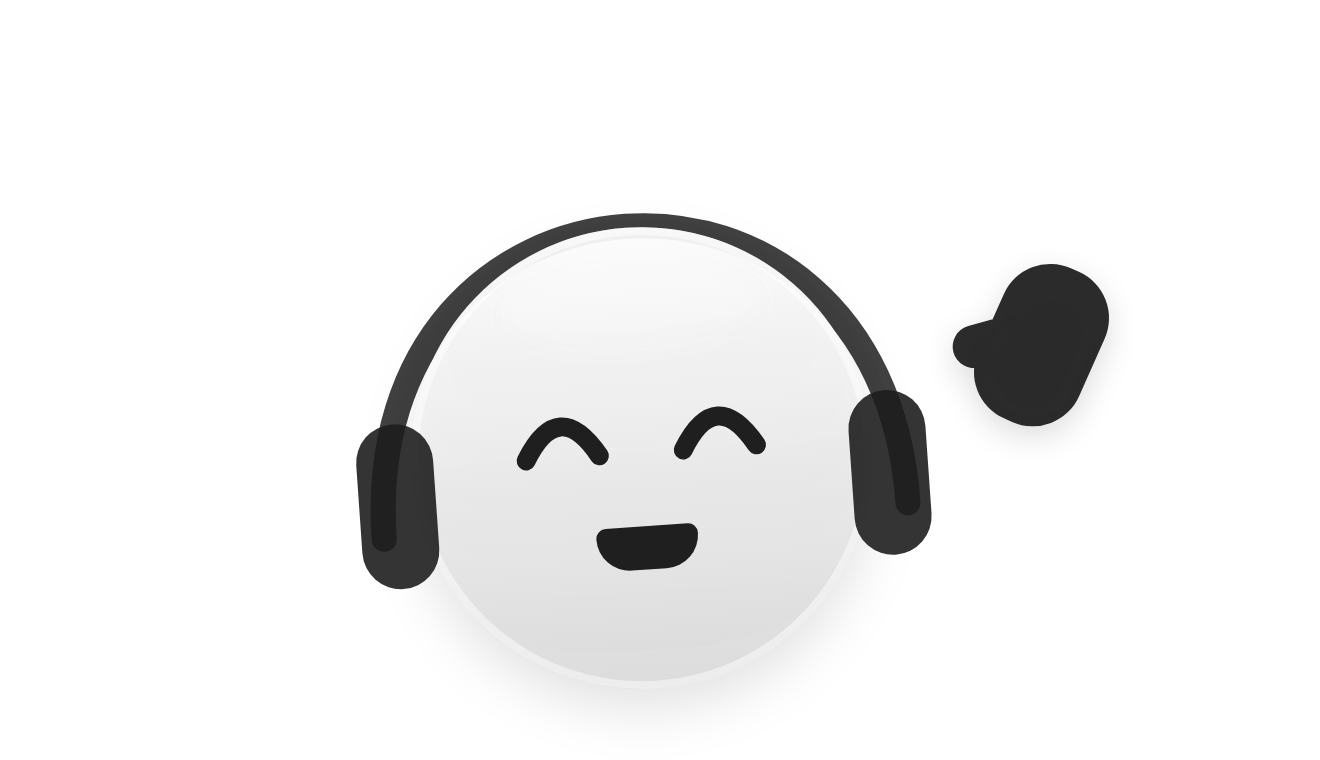
A message chimes in Messages, Slack, Discord or Mail. A hand goes up, his head turns to the menu bar, and a “!” pops up.
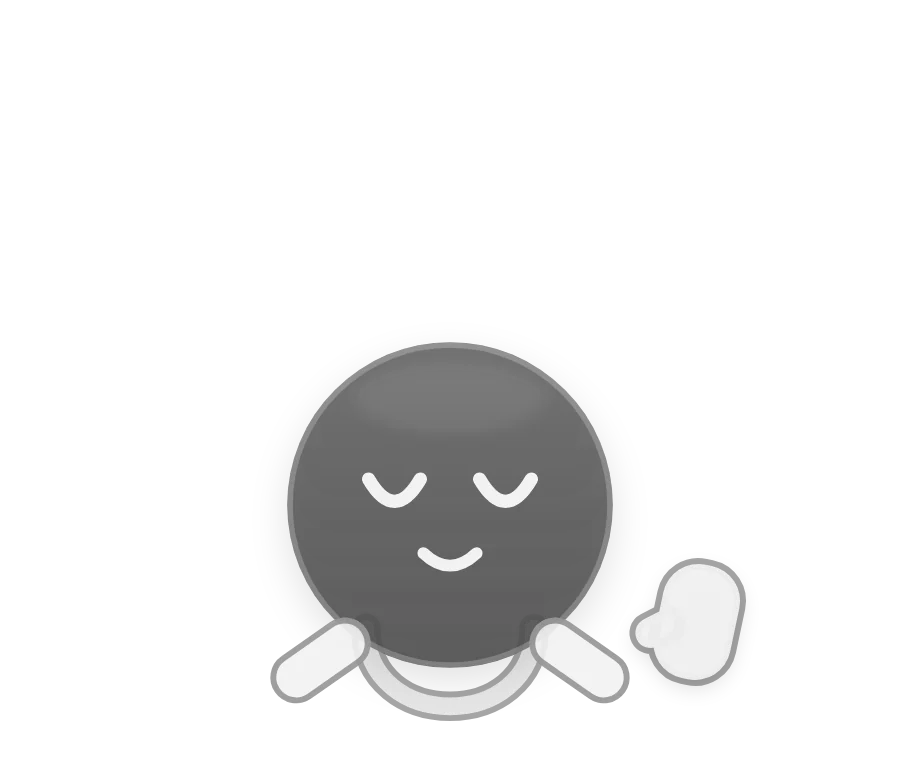
Paused.
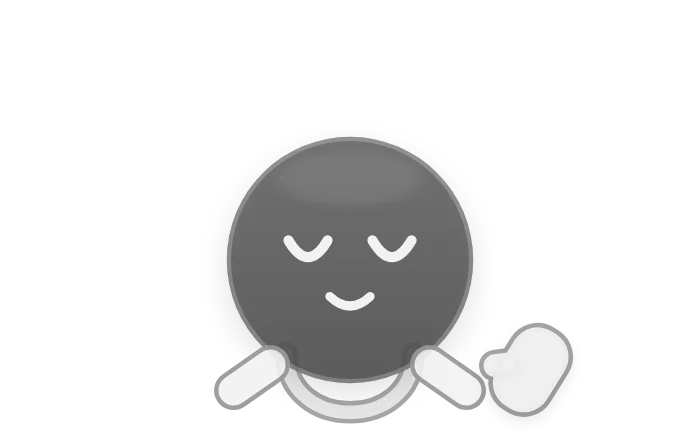
Stop the music and his headphones lift off his ears, swing round and land on his collar. Sleepy eyes, then he holds still.
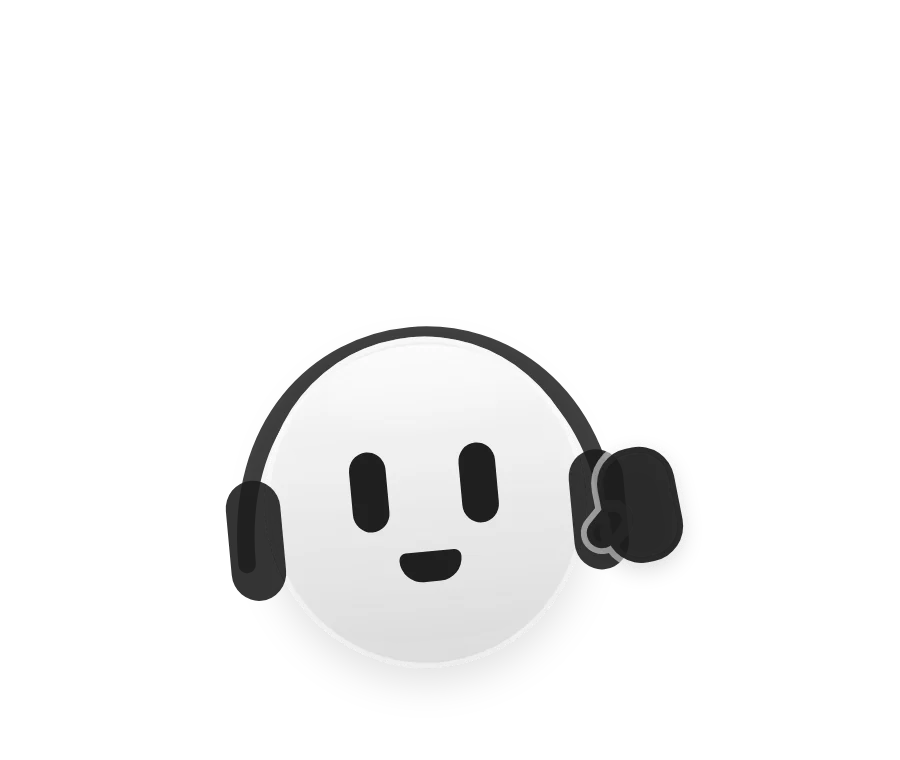
Too loud?
Boost an app past 150% and he leans back, wide-eyed, holding his headphones.
Then take the stage.
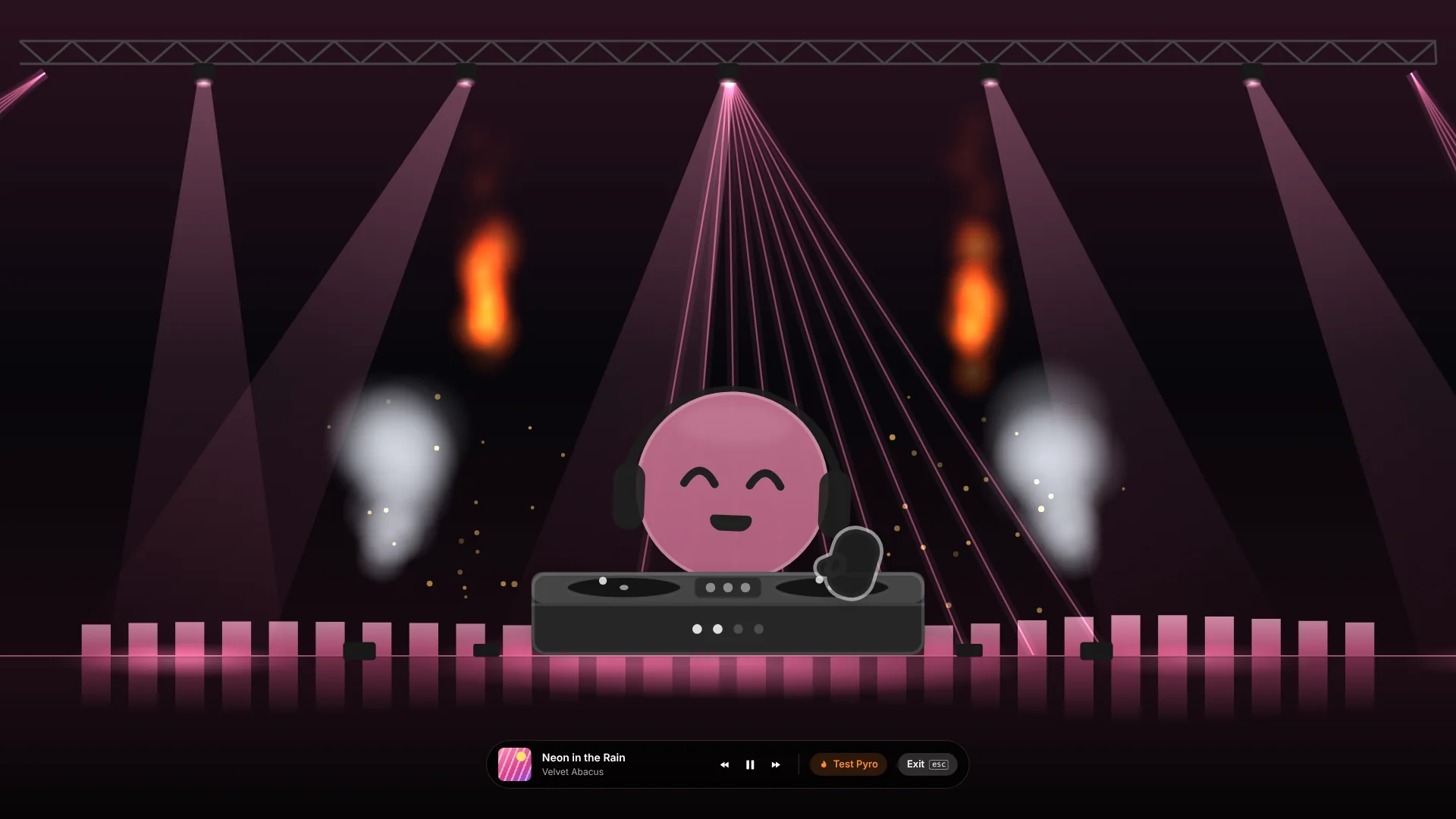
DJ Stage Mode. One click, full screen.
Your Buddy, exactly as dressed, behind the decks. Spotlights and lasers in the album’s colour, pyro and CO₂ on the drops, and an EQ across the floor. Space plays or pauses. Esc leaves.
Make it yours.
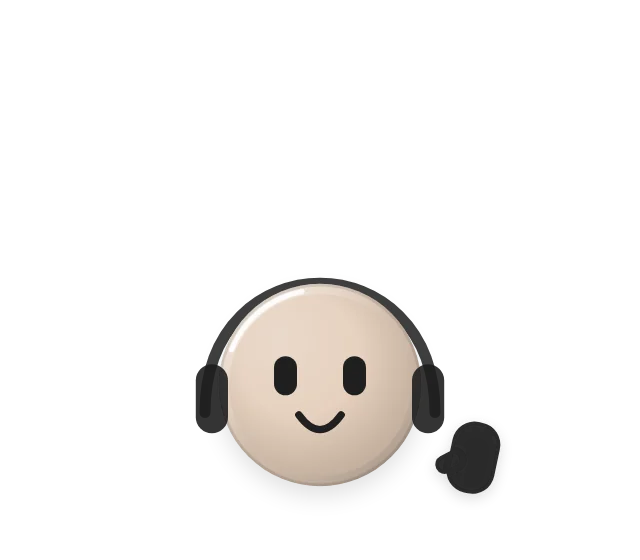
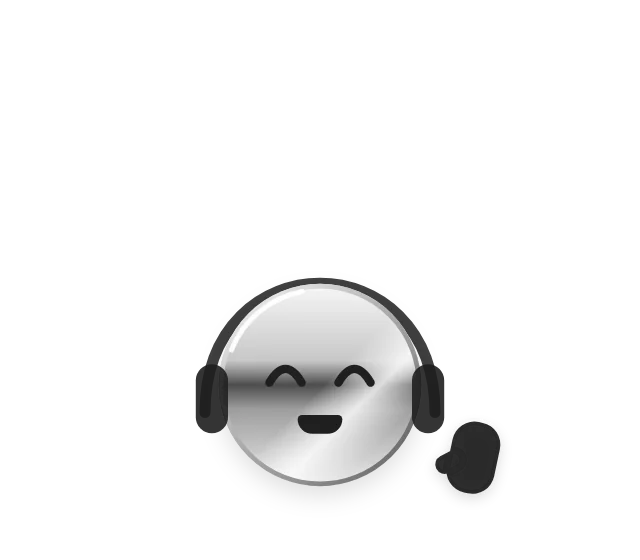
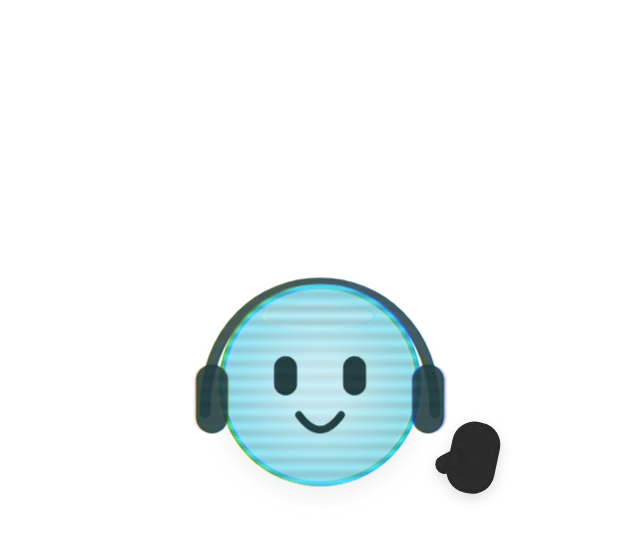
65 things to wear, in every edition. None are sold: 30 unlock by listening, and 35 by using DeskBop.
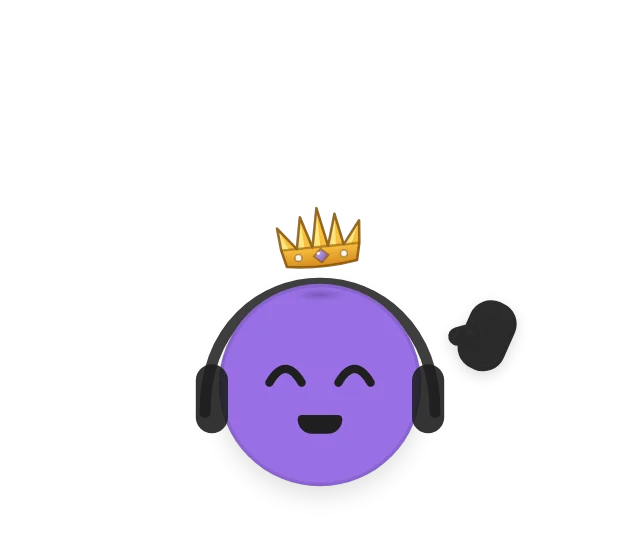
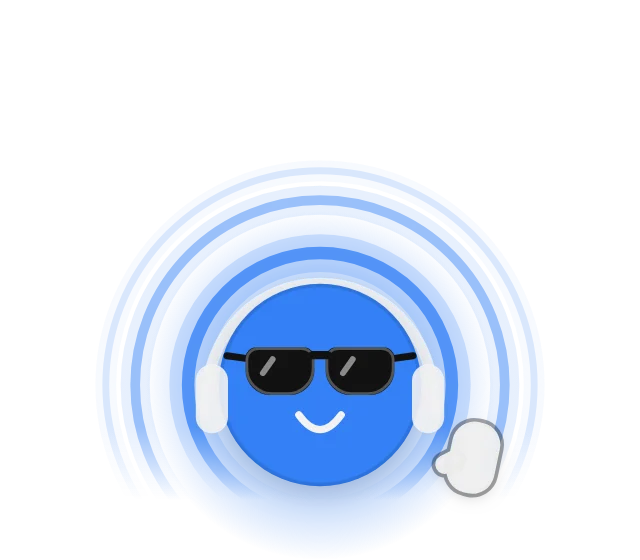
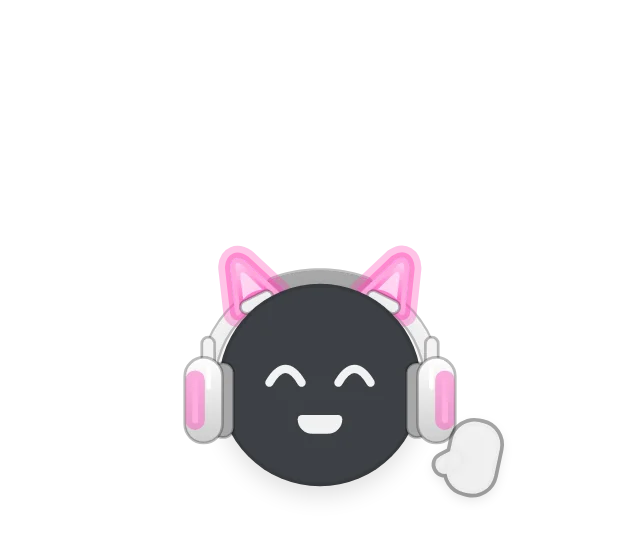
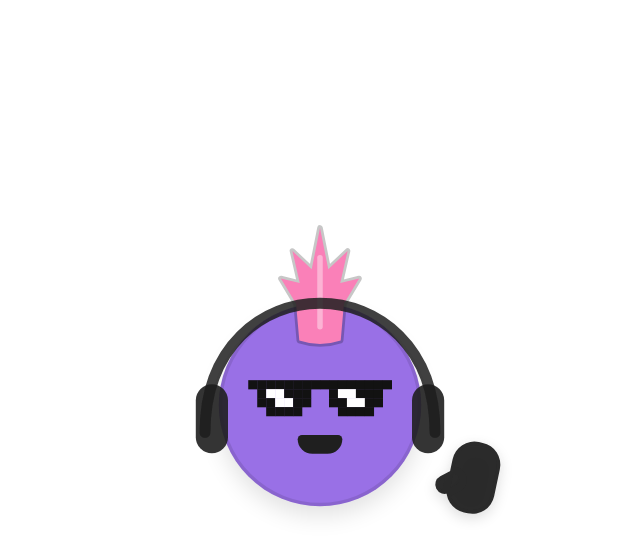
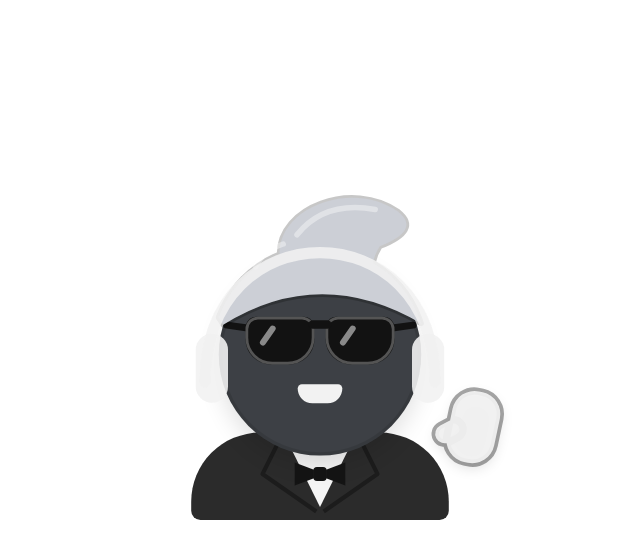
- 15 eyewear
- 7 hairstyles in 7 colours
- 6 face details
- 6 outfits
- 10 DJ setups
- 5 finishes
- 6 headgear
- 4 eyes
- 3 listening gear
- 3 auras
The first piece unlocks after 10 minutes of listening. The rest come from more listening and from using DeskBop: focus sessions, calls, trying every dance, routing an app, late-night listening. Try anything on in the fitting room and watch it dance.
Locked in.
Your music lowers itself for the call.
When any app turns the microphone on, music and video glide down to 15%. They come back 2 seconds after it turns off. The call itself is never touched.
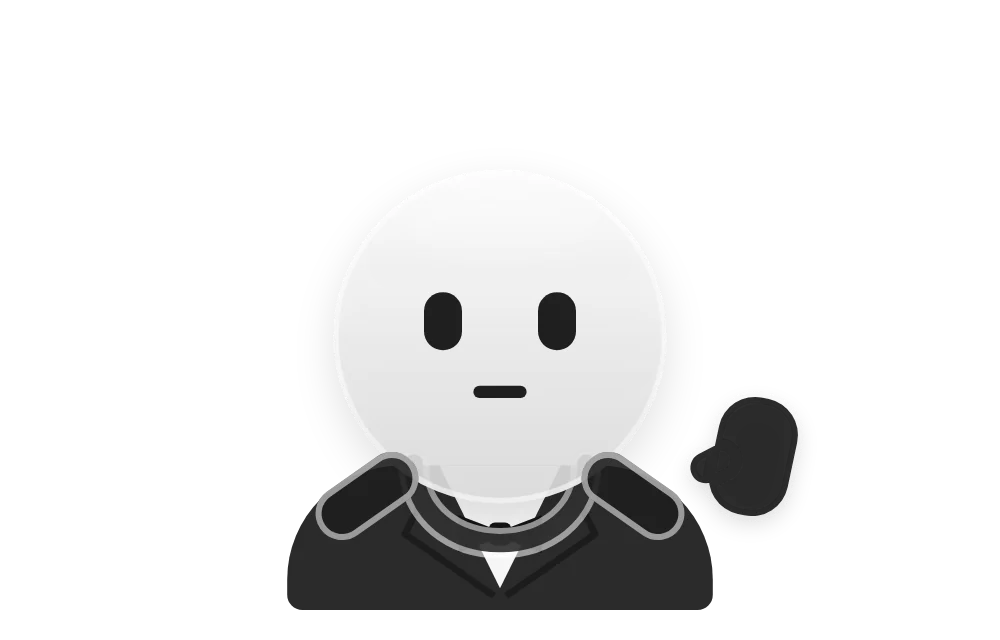
Suit on, headphones down.
On a call, Buddy puts on a suit and bow tie, rests his headphones round his neck, and shows a red MIC LIVE pill naming the app.
Focus, without the pings.
For 25 or 50 minutes, Messages and Mail are muted, and Slack, Discord and Teams turn down to 15%, so a call still rings. At the end the music dips and Buddy waves. There’s no alarm.
Smart Activity Mode.
Off until you turn it on. It tells coding, writing, a lecture, a quiz or a meeting from the apps in use, never from window titles, and sets things up for each.
Light on your Mac.
CPU while it idles in your menu bar
added latency for apps left at 100%
Your audio stays on your Mac. It’s never recorded or sent.
Native Swift, sandboxed, for macOS 15 or later.
The CPU figure is DeskBop idling in the menu bar. While Buddy dances, it uses about 10 to 13%.
One-time purchase. No subscription.
DeskBop is planned in three editions. Prices come at launch.
DeskBop
The mixer, the player and Buddy.
- A volume, mute, boost and solo for every app
- Outputs, routing, and a mix for each output
- The mini-player: play, pause, skip and scrub
- Buddy: the dancing, the reactions, all 65 looks and DJ Stage Mode
- Focus sessions, lower music during calls, and Smart Activity Mode
DeskBop PLUS
Play by link, Up Next and Vibe Tapes.
- Everything in DeskBop
- Play by link: links, named playlists, your daylist, the DJ and Liked Songs. Works with the Spotify app.
- Up Next, DeskBop’s own queue
- Vibe Tapes
DeskBop PRO
Everything in Plus, and the Command Bar.
- Everything in Plus
- The Command Bar, typed or push-to-talk
The editions are a plan for launch, and what’s in each may change before then.
Privacy, plainly.
No account, no analytics, no tracking, and no server of its own.
Your audio stays on your Mac.
DeskBop reads your Mac’s sound to change each app’s volume and to let Buddy hear the beat. Nothing is recorded, saved or sent.
Two things go out.
A song’s title and artist go to Apple’s public music search, to pick a dance and to find what you type. Album covers load from Apple’s and Spotify’s image servers. The privacy page lists every request.
Sandboxed, with nothing extra installed.
No driver, no kernel extension, no third-party code. macOS asks before DeskBop touches audio or controls another app.