
Fact sheet
| Name | DeskBop. One word, with a capital D and B. The companion is called Buddy. |
|---|---|
| What it is | A menu-bar mixer for macOS that gives every app its own volume, mute and output, with a desktop companion who dances to what’s playing. |
| Website | getdeskbop.com |
| Requires | macOS 15 or later |
| Status | Coming soon. Version 1.0. |
| Editions | DeskBop, DeskBop Plus and DeskBop Pro, as planned for launch. One-time purchase, no subscription. Prices come at launch. |
| Built with | Native Swift and SwiftUI. App Sandbox and Hardened Runtime. No third-party code, no driver, no kernel extension. |
| Privacy | Audio stays on the Mac and is never recorded or sent. No account, no analytics, no tracking. |
| Contact | hello@getdeskbop.com |
In one line
Every app at its own volume. A companion that feels the music.
In a paragraph
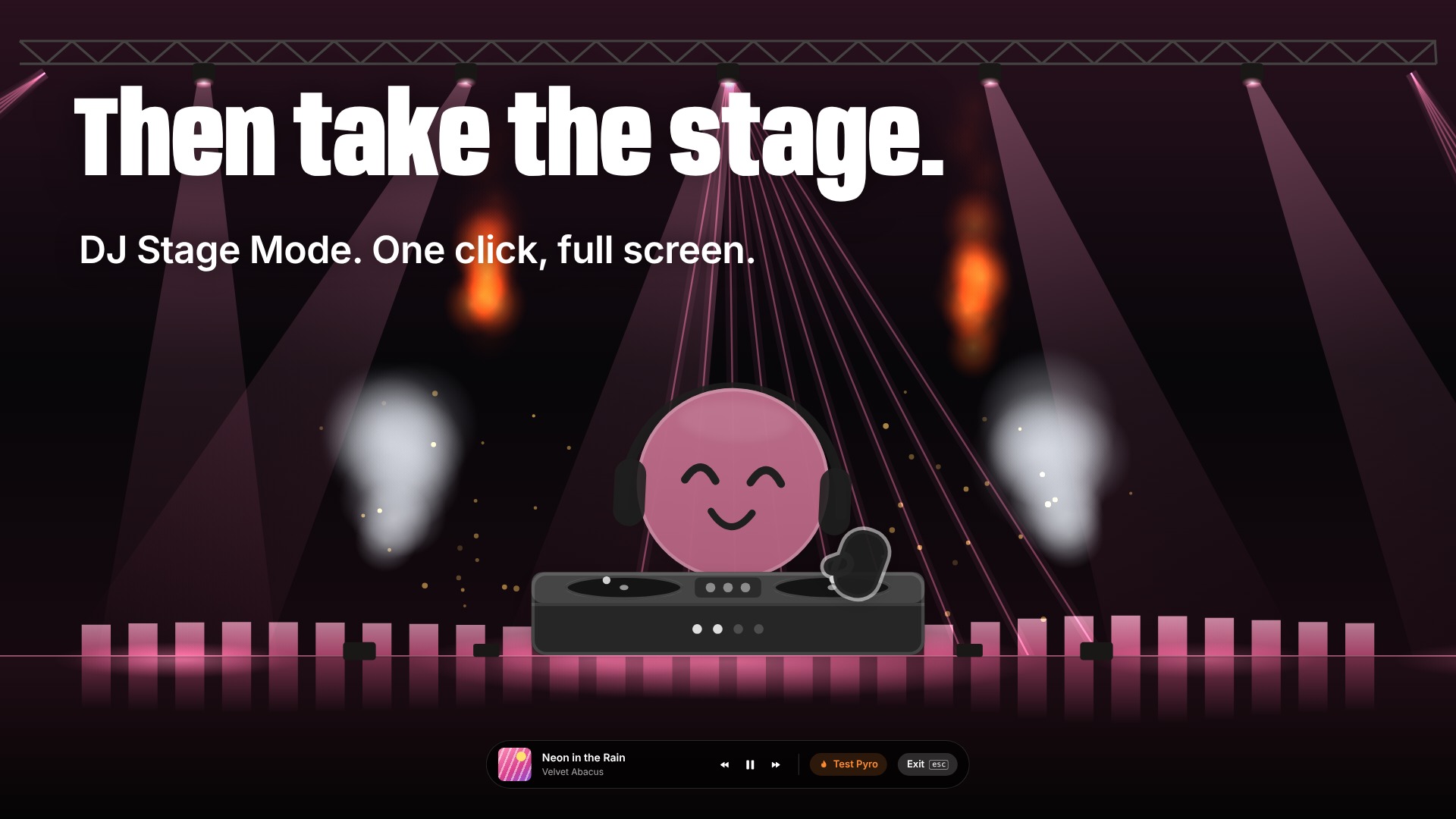
DeskBop is a menu-bar mixer for macOS that gives every app its own volume, mute and output: the call in your AirPods, the music on your speakers. It comes with Buddy, a small character on your desktop who dances to what’s playing, reacts to your day, and can take over the whole screen as a DJ. It’s built on macOS’s own audio taps, with no driver and no kernel extension, and your audio never leaves your Mac.
Good to know
- DeskBop works with the Spotify and Music apps on your Mac. It isn’t affiliated with Spotify or Apple, and there’s no Spotify or Apple Music sign-in.
- The Command Bar follows rules on the Mac. It isn’t an AI assistant, and nothing is sent.
- The performance figures are for DeskBop idling in the menu bar (0.1% CPU) and for apps left at 100% volume (no added latency). While Buddy dances, DeskBop uses about 10 to 13% CPU.
Downloads
Stills
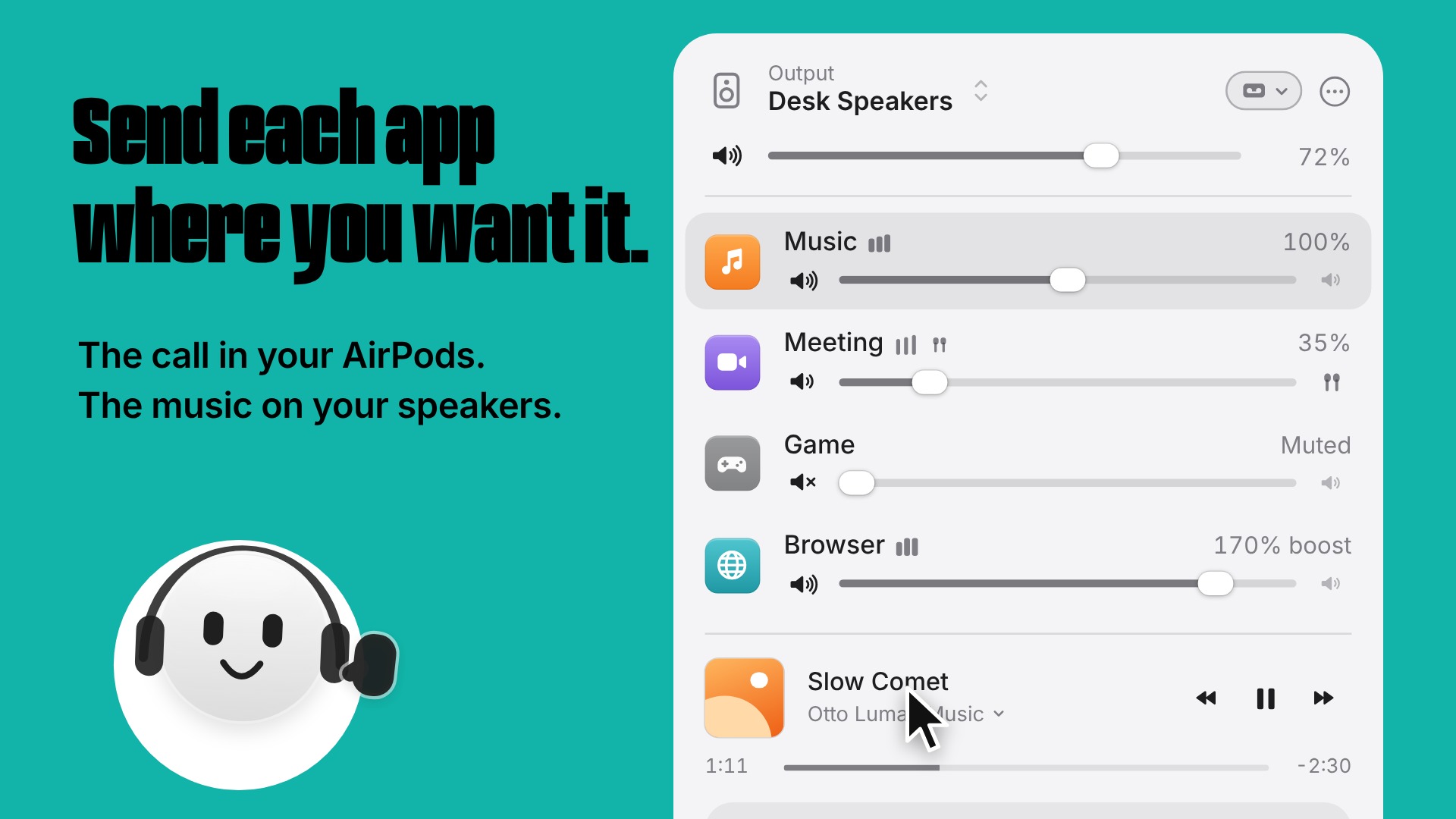
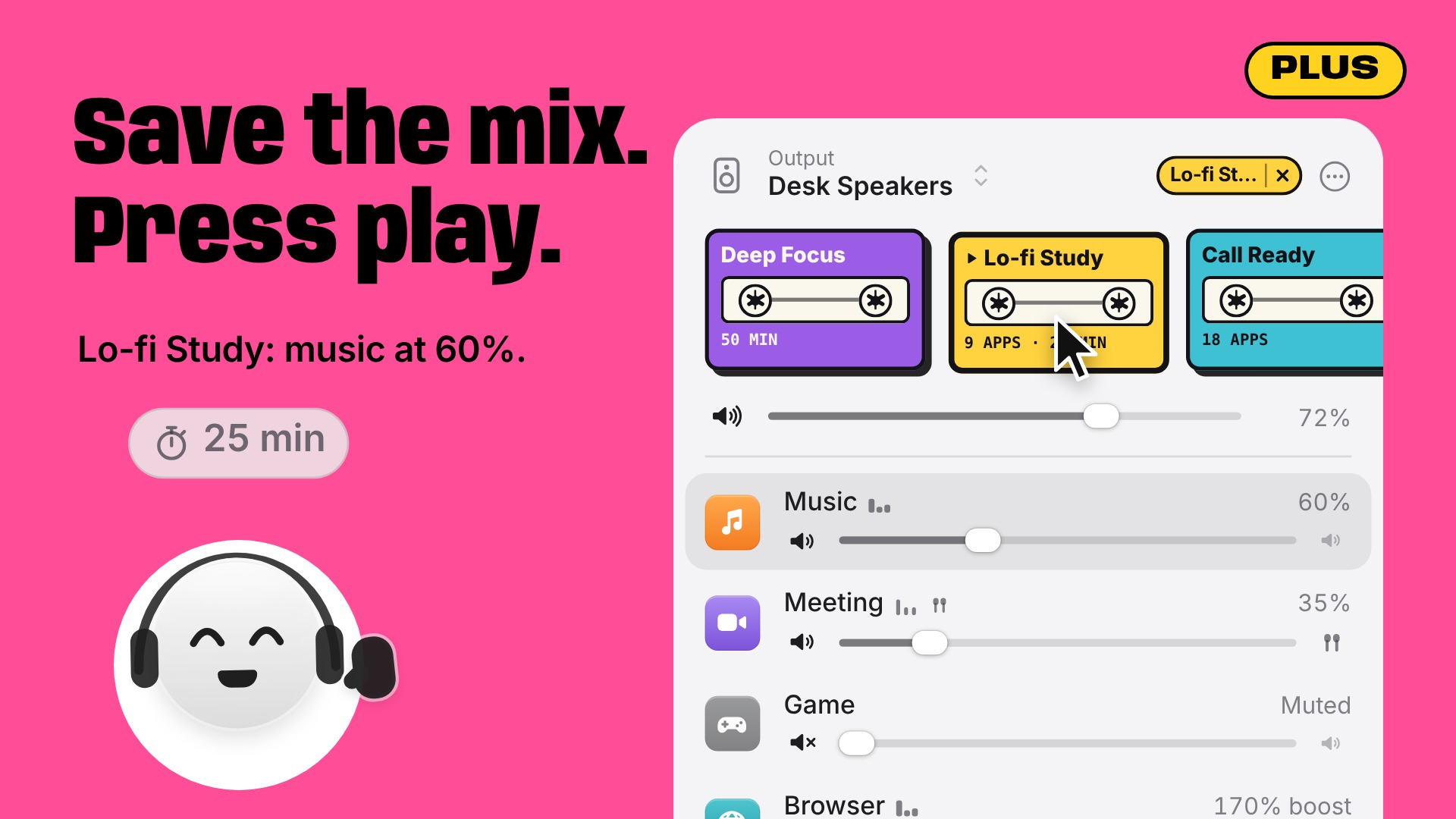
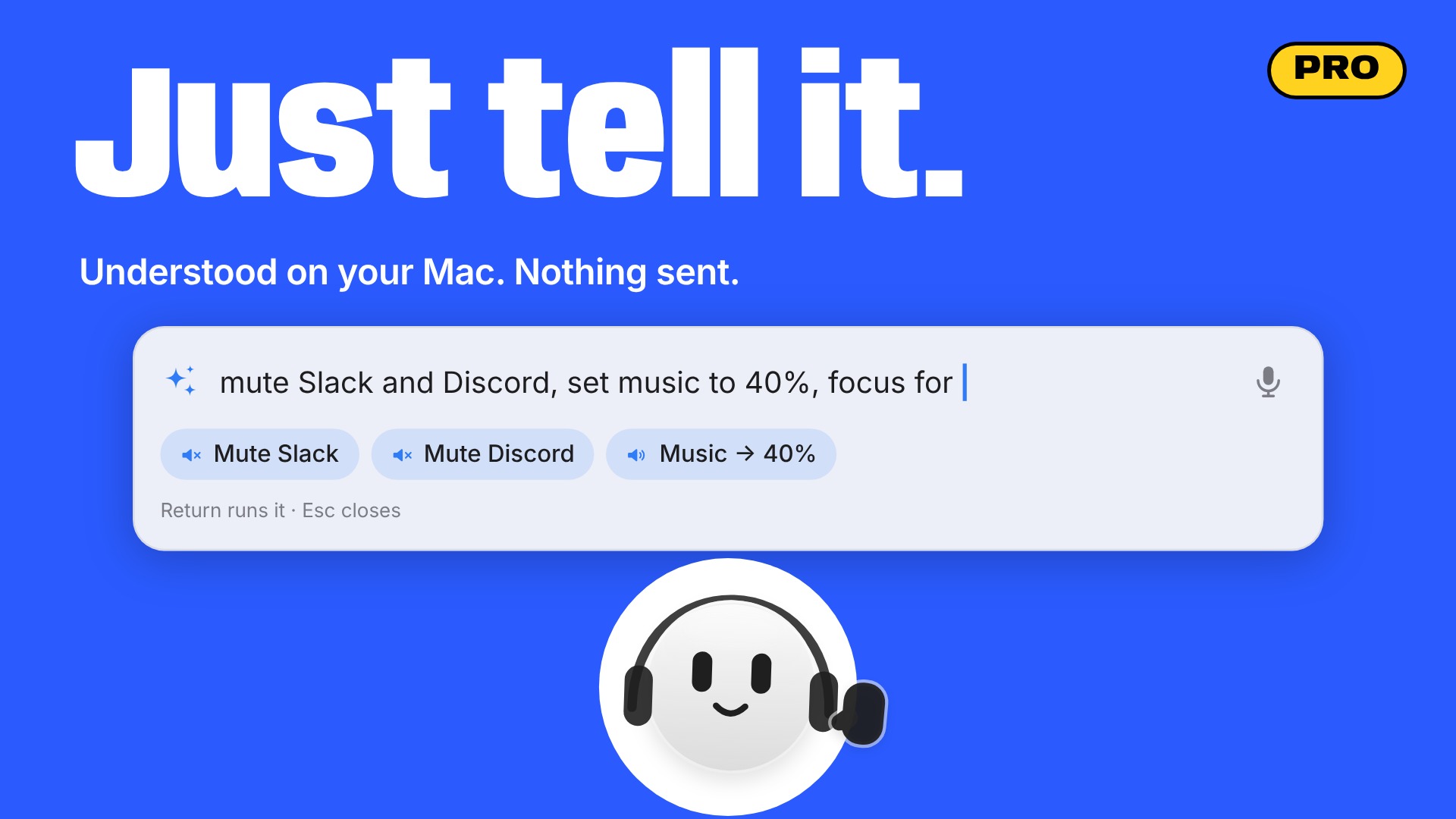
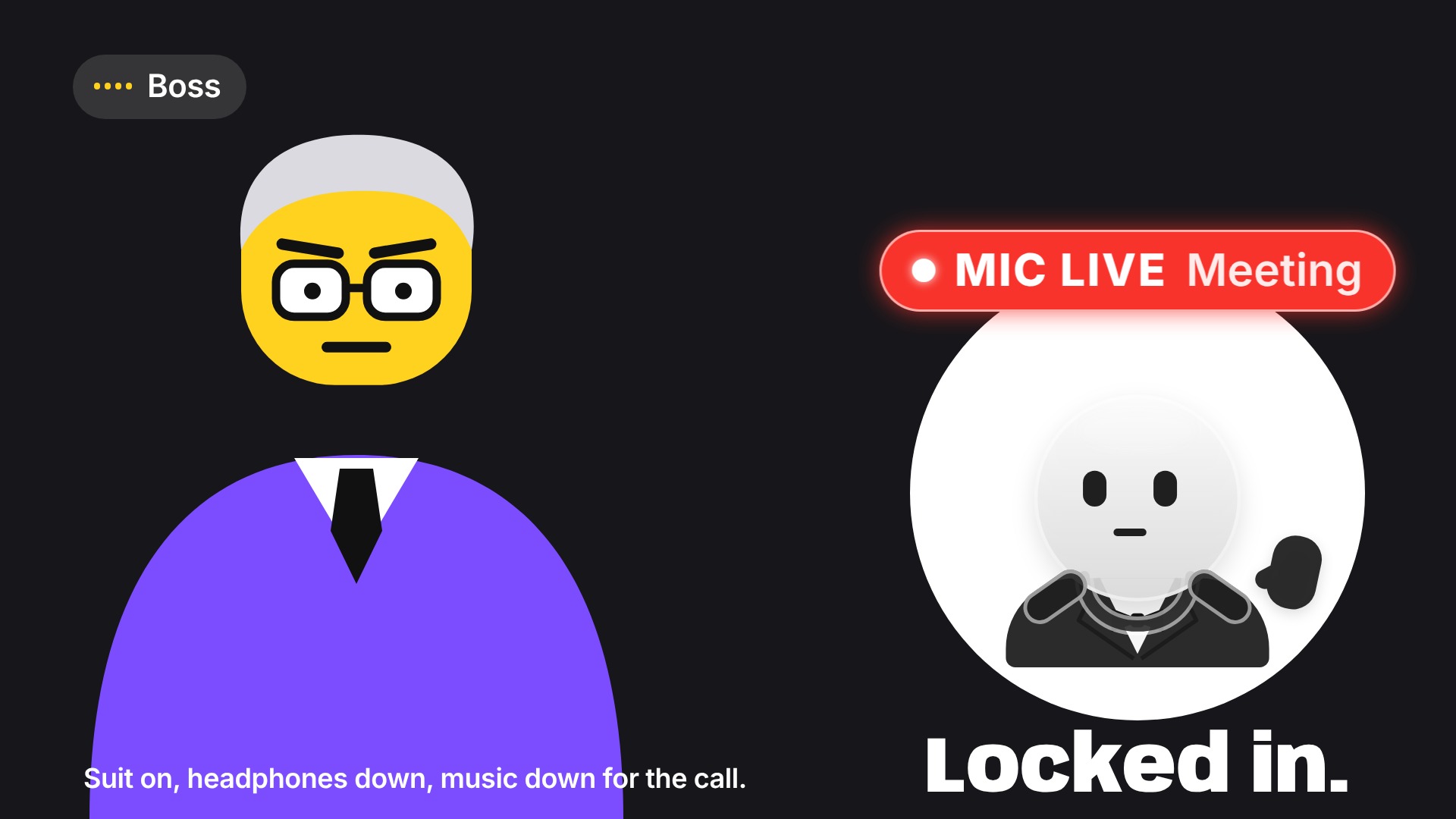
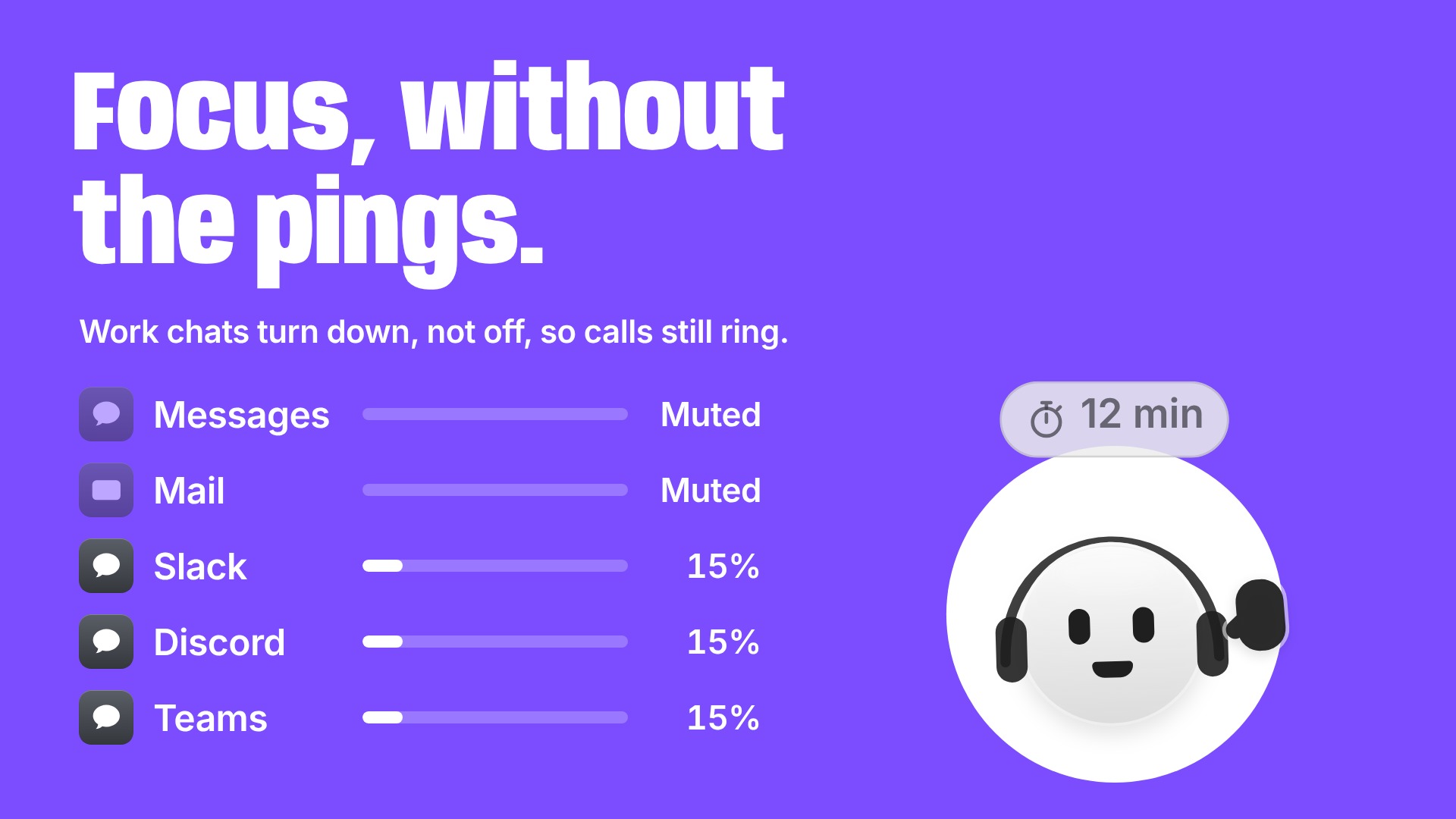
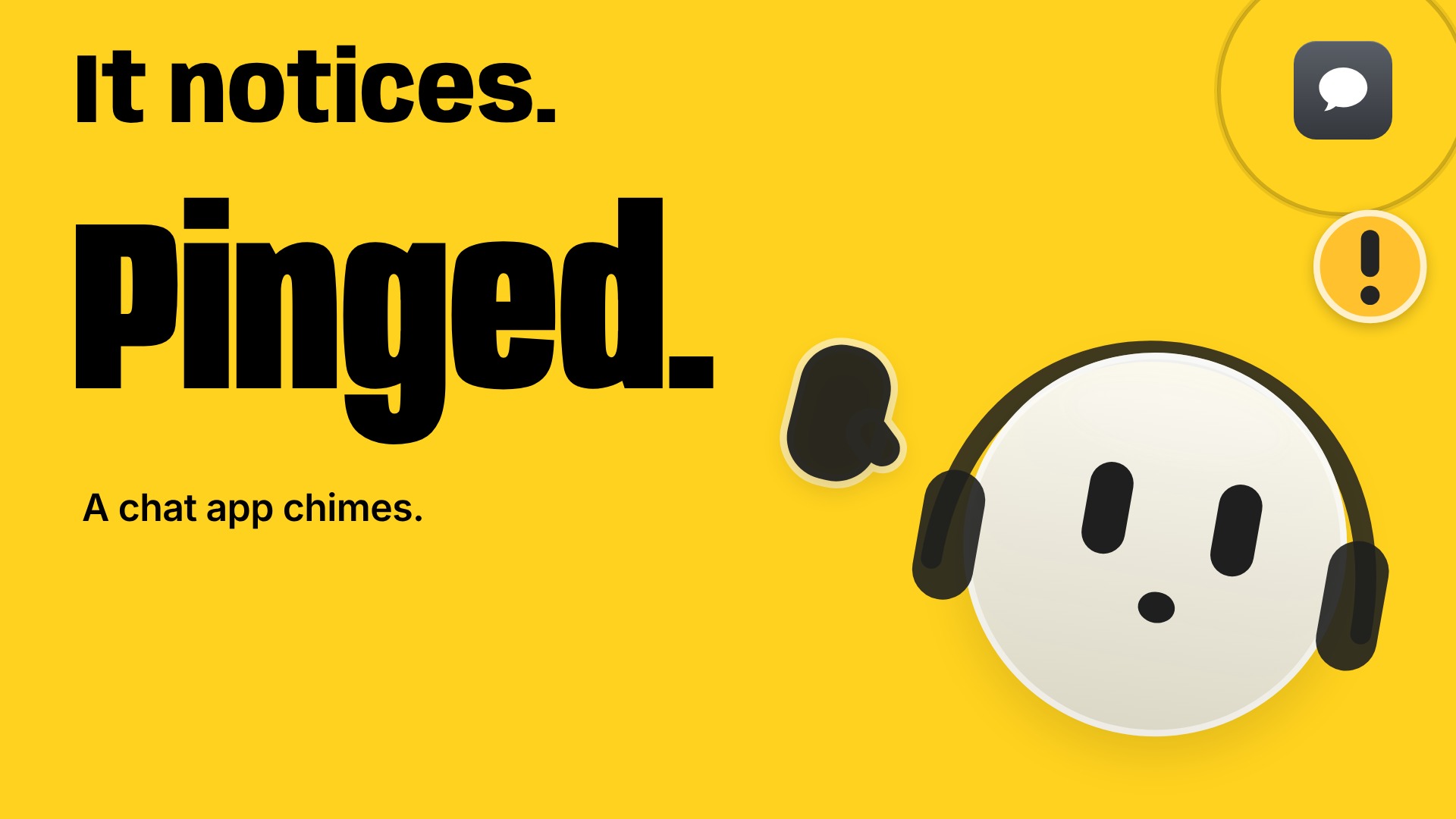
From the trailer, at 1920 × 1080. Each one opens at full size.

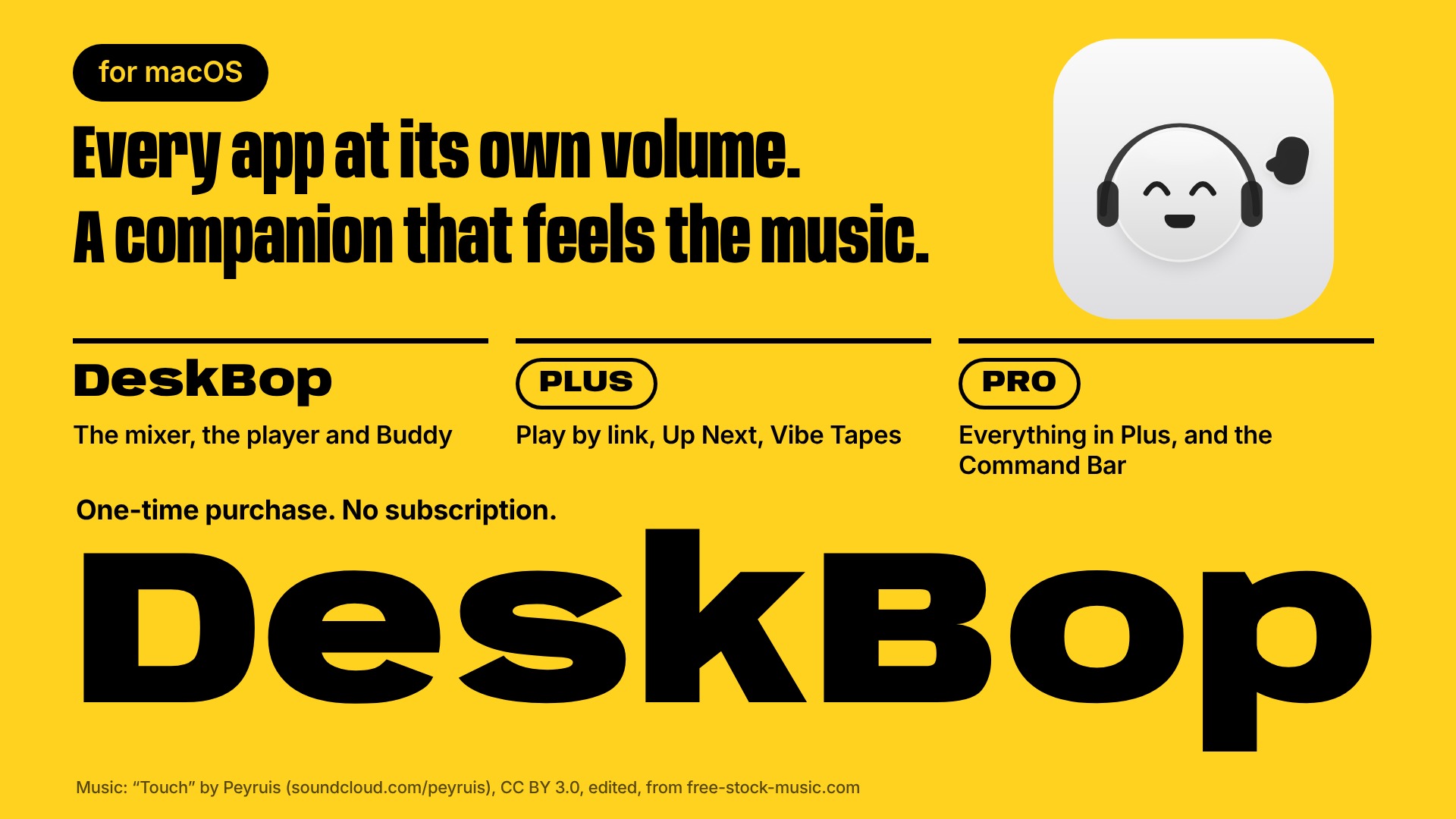
Credit for the trailer’s music
“Touch” by Peyruis, licensed under CC BY 3.0, edited, from free-stock-music.com. If you show the trailer, please keep this credit with it.